In modern subscription operations, relying on a single communication channel to notify members of upcoming renewal fees is a recipe for missed payments.
Email inboxes are inundated with marketing newsletters, promotions, and spam filters, resulting in average open rates of less than 22% in the fitness industry. Traditional SMS text messages, meanwhile, are increasingly blocked by telecom carriers or disregarded as suspicious phishing scams.
The gold standard for modern subscription facilities is a multi-channel approach: pairing the authoritative documentation of Email with the conversational immediacy of WhatsApp.
The Multi-Channel Channel Allocation Matrix
To prevent message fatigue while maximizing collection efficiency, allocate notifications based on urgency and legal purpose:
| Customer Touchpoint | Primary Channel | Why It Works Best |
|---|---|---|
| Pre-Expiry Notice (3 Days Prior) | Email + WhatsApp | Email provides the detailed renewal breakdown; WhatsApp delivers a quick mobile action link. |
| Due Date Renewal Alert | WhatsApp Direct | 98% open rate ensures the member sees the reminder before their workout session. |
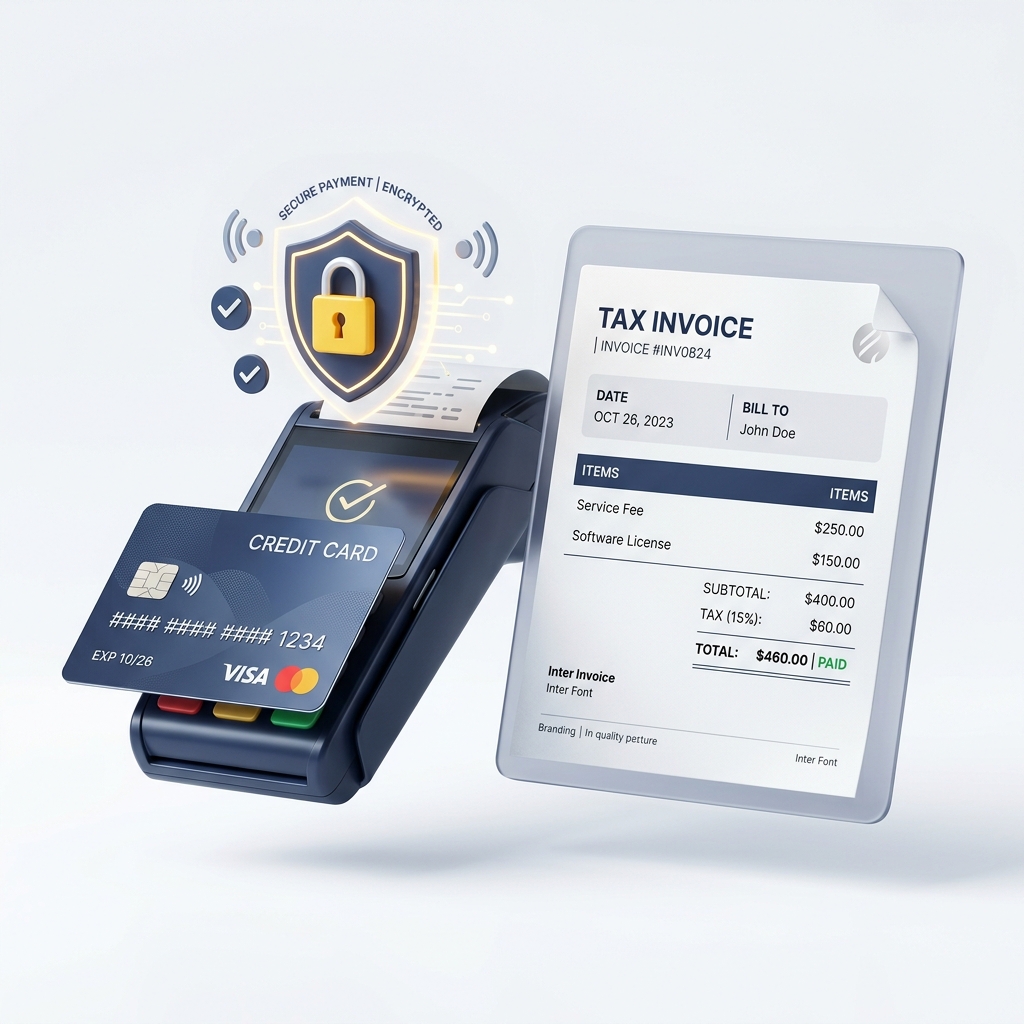
| Payment Confirmation & Tax Receipt | Email (with PDF attachment) | Permanent tax record for member expense reports, corporate subsidies, and accounting. |
| Overdue Grace Period Alert | WhatsApp Direct | Urgent mobile prompt with 1-click payment path to prevent door access interruption. |
Why WhatsApp Outperforms Traditional SMS
For international subscription businesses, WhatsApp provides three critical advantages over legacy SMS:
- Rich Media & Branding: Messages include your high-resolution business logo, verified green checkmark, formatted text, and clickable call-to-action buttons.
- Read Receipts & Transparency:Staff can see double-blue checkmarks confirming whether a member has actually read their renewal notice, ending “I never got the message” disputes.
- Zero Roaming or International Surcharges: Members traveling abroad for business receive messages seamlessly over Wi-Fi without carrier international roaming fees.
Step-by-Step Setup in KeepBill
Connecting your multi-channel delivery in KeepBill takes only a few minutes:
Step 1: Connect Meta WhatsApp Business Cloud API
Under Settings > Integrations > WhatsApp, click Connect Meta Cloud API. Follow the guided on-screen wizard to link your Facebook Business Manager and register your verified business phone number.
Step 2: Configure Automated Notification Triggers
Under Settings > Notifications, toggle on your desired automated triggers:
- Pre-Reminder: 3 days prior to plan expiry.
- Renewal Day: Morning of the due date (9:30 AM).
- Grace Period Notice: 48 hours post-expiry if payment remains unrecorded.
- Payment Receipt:Dispatched instantly upon clicking “Mark Paid” in the reception ledger.
Step 3: Test and Launch
Use the built-in “Send Test Alert” button to send a live sample notification to your personal phone. Verify the logo, text formatting, and payment link layout. Once satisfied, activate automated dispatch.
Summary: Peace of Mind for Staff and Members
When communication is prompt, predictable, and delivered through the member’s preferred messaging apps, on-time fee collections happen naturally. Eliminate manual phone chasing and let KeepBill’s automated multi-channel engine keep your cash flow strong.
Frequently Asked Questions
Do I need a separate phone number for Meta WhatsApp Business Cloud API?
Yes. Meta requires a dedicated phone number that is not currently registered to a personal WhatsApp account or the standard mobile WhatsApp Business app. Many facilities use their official front-desk landline or a dedicated virtual VoIP number.
Will sending WhatsApp reminders get my phone number banned for spam?
No, because KeepBill sends approved transactional template messages (e.g. renewal notices and payment receipts) only to subscribed members who have a current business relationship with your facility.
Can members reply to automated WhatsApp billing messages?
Yes. Replies from members can route directly into your WhatsApp Business inbox, allowing your front-desk staff to answer questions about plan changes or booking schedules in real time.